
Furnish an empty room without moving a wall
Upload a photo of an empty room and get it back furnished in about 25 seconds, with the windows, doors and fixtures exactly where they were. About 7.2 cents a photo, paid per photo from one balance, with no subscription.
Before and after
Staged in GenMagic with Nano Banana 2.1 on October 30, 2026. The rooms were generated for the test, so no real home is shown.
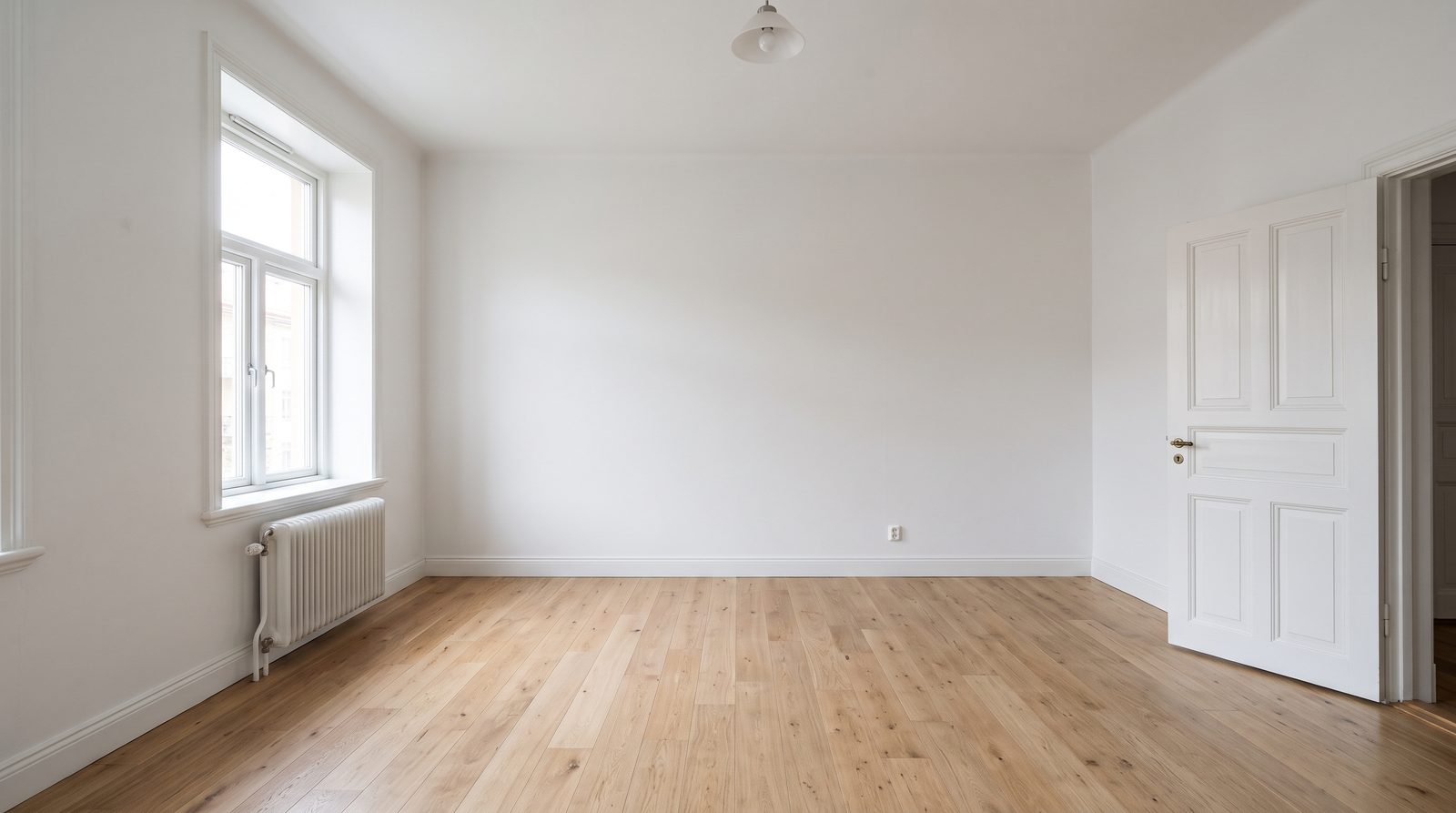
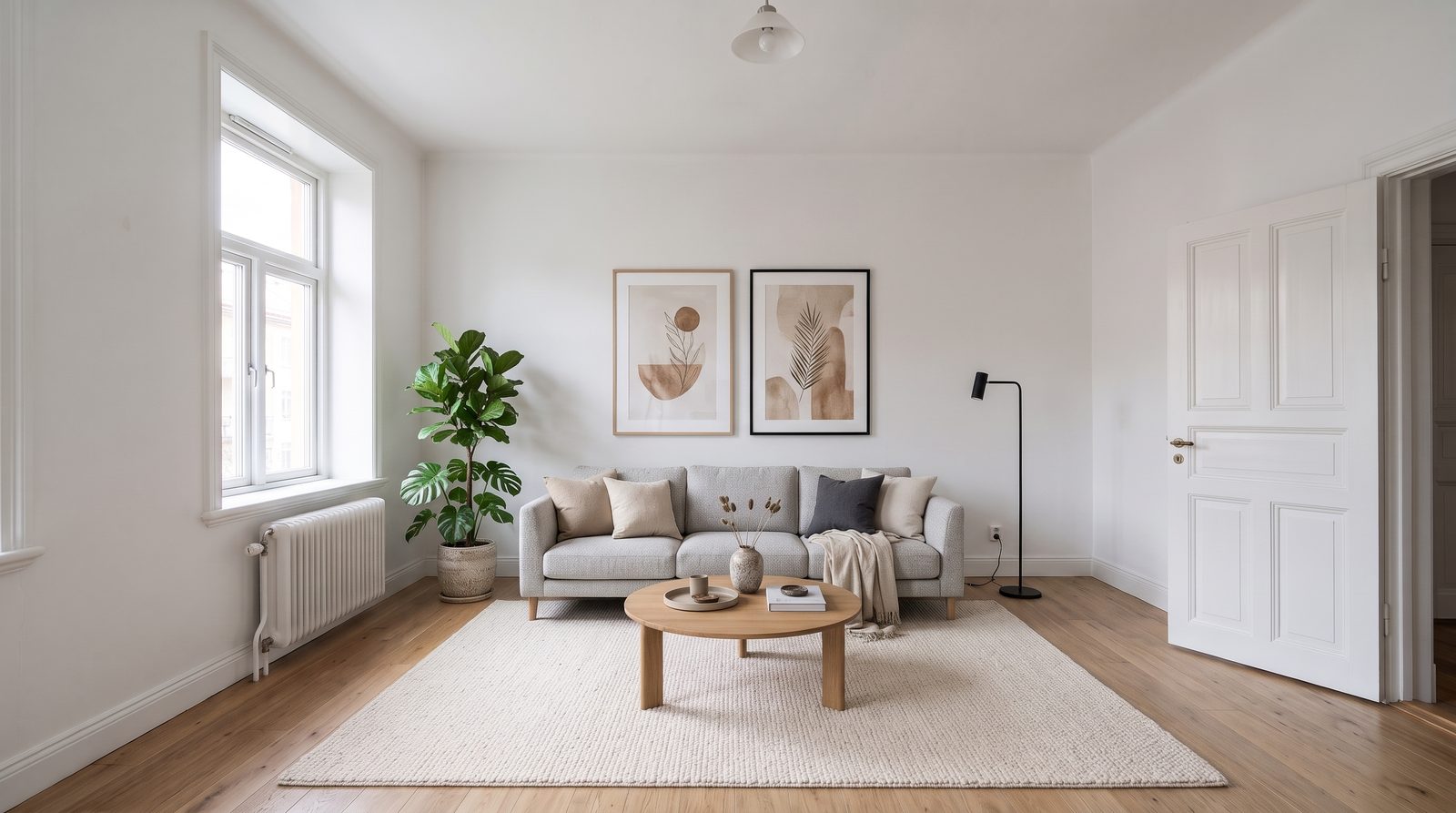
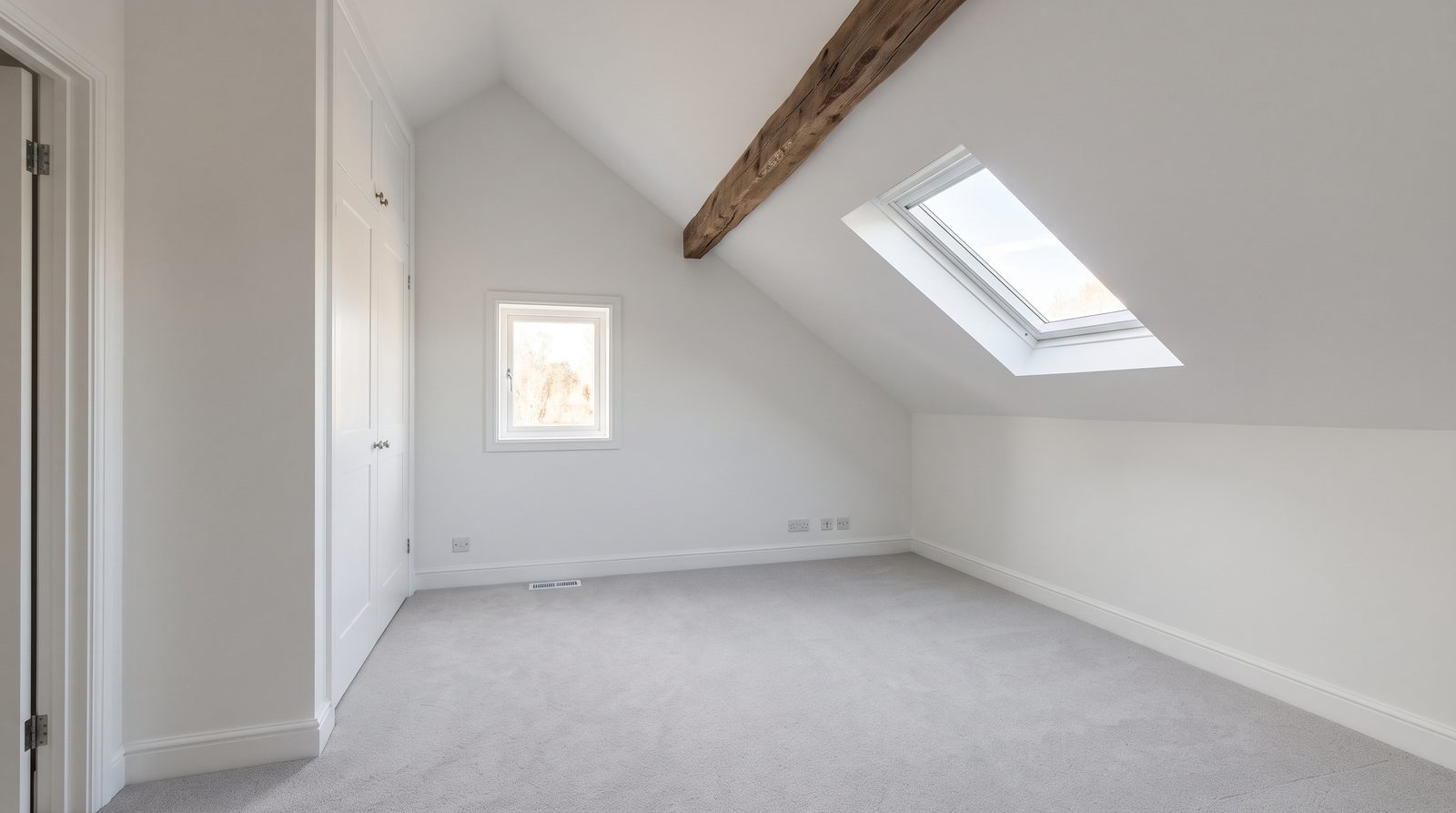
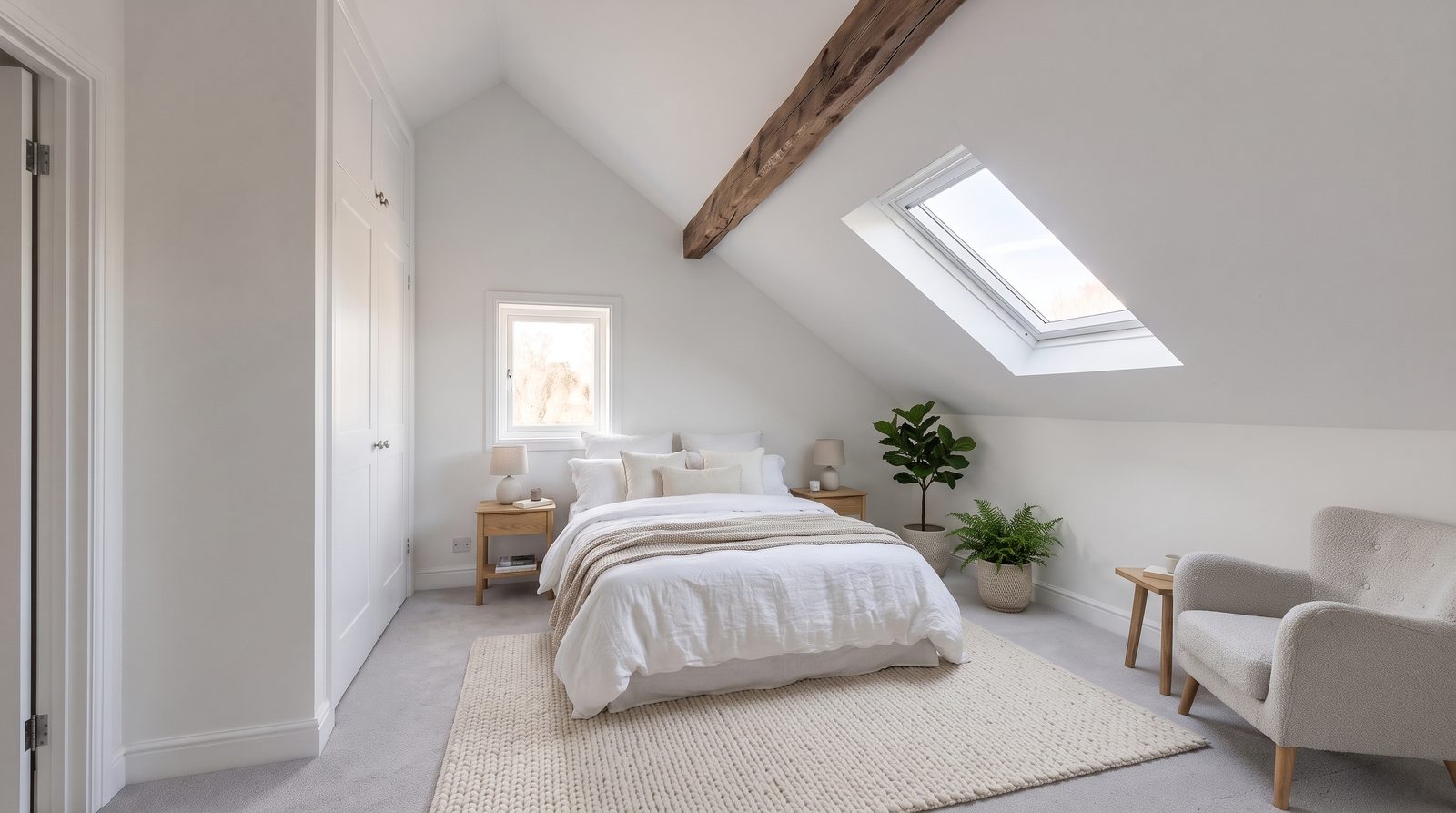
The exact steps behind the examples
1. Attach the empty room
In the studio, choose Image, attach a wide, level photo of the empty room and set the shape to landscape.
2. Ask for furniture only
Say what must stay, then list the furniture and the style. This is the prompt we used for the living room:
Virtually stage this empty room for a real estate listing. Keep the room exactly as it is: the walls, floor, ceiling, windows, doors and every fixture stay in the same place, at the same size and color, and the camera angle does not change. Add furniture only: a light grey three-seat sofa against the back wall, a round oak coffee table, a cream wool rug, a black floor lamp, two framed prints above the sofa and a tall plant, in a warm Scandinavian style. Photorealistic, natural daylight.
3. Pick the model, or compare two
Nano Banana 2.1 changed the empty parts of the room least in our test, for 7.2 cents a photo. FLUX 3 Klein was nearly as faithful for 1.8 cents. Run both side by side on your photo and keep the better one.
4. Check it and label it
Compare the staged photo with the empty one, fixture by fixture, then label it as virtually staged in the listing.
What a listing costs
Staging 20 photos cost about $1.44 with Nano Banana 2.1 or $0.36 with FLUX 3 Klein on October 30, 2026 prices, so you can afford to try two styles for every room. Every image model's current price is on image API pricing, and nine models are compared room by room in our virtual staging test.
What makes it work
- Say what stays. Name the walls, windows, doors and fixtures, and that the camera angle does not change.
- Furniture only. Staging adds; it never repairs. Hiding a crack or a stain misleads buyers.
- The right scale. A sofa that is too small makes a room look larger than it is; check it against the door.
- A full-size photo. Listing photos are viewed full-screen, so start from your largest original.
Automate it
The same request runs through the GenMagic API with the photo as image, so a script can stage a whole listing from one balance.
About AI virtual staging
How much does AI virtual staging cost?
In our test on October 30, 2026, Nano Banana 2.1 staged a large landscape photo for 7.2 cents and FLUX 3 Klein for 1.8 cents, so a 20-photo listing costs about $1.44 or $0.36. You pay per photo from a prepaid balance, and a render that fails is not charged.
Does AI virtual staging change the room?
It can, so choose the model with care. In our test eight of nine image models kept every window, door and fixture in place; one rebuilt both rooms with a new door, new windows and a different floor. Compare every staged photo with the empty one before it goes in a listing.
Do I have to disclose virtual staging?
Label virtually staged photos as such. Many listing services require it, and it keeps buyers' trust when they walk into the empty home. Keep the empty photo in the listing as well.
Can AI remove clutter or old furniture?
Image models can edit what is in a photo, but removing furniture is a bigger change than adding it, so check the walls, floor and fixtures it uncovers. Never use it to hide damage or defects.
Can I stage many photos at once?
Yes. The same request runs through the GenMagic API, so a script can stage every room of a listing from one balance.