
Render the view you are on, right inside SketchUp
GenMagic Render turns the current SketchUp or Rhino view into a photoreal, dusk, interior or watercolor render in 10 to 40 seconds, keeping your geometry and camera. No render settings, no materials to set up.
Free to install. Pay per render from a prepaid balance, with each model's price shown before you render.
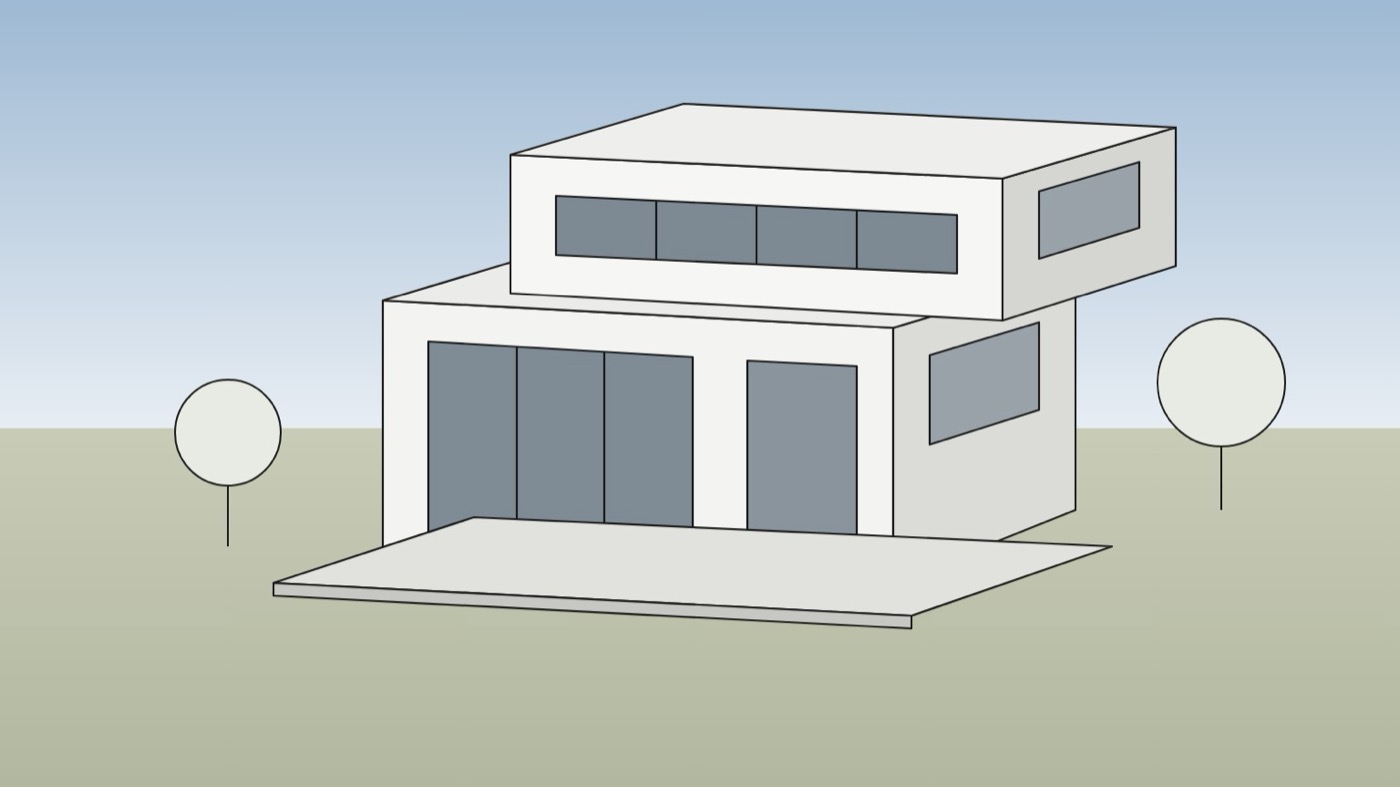
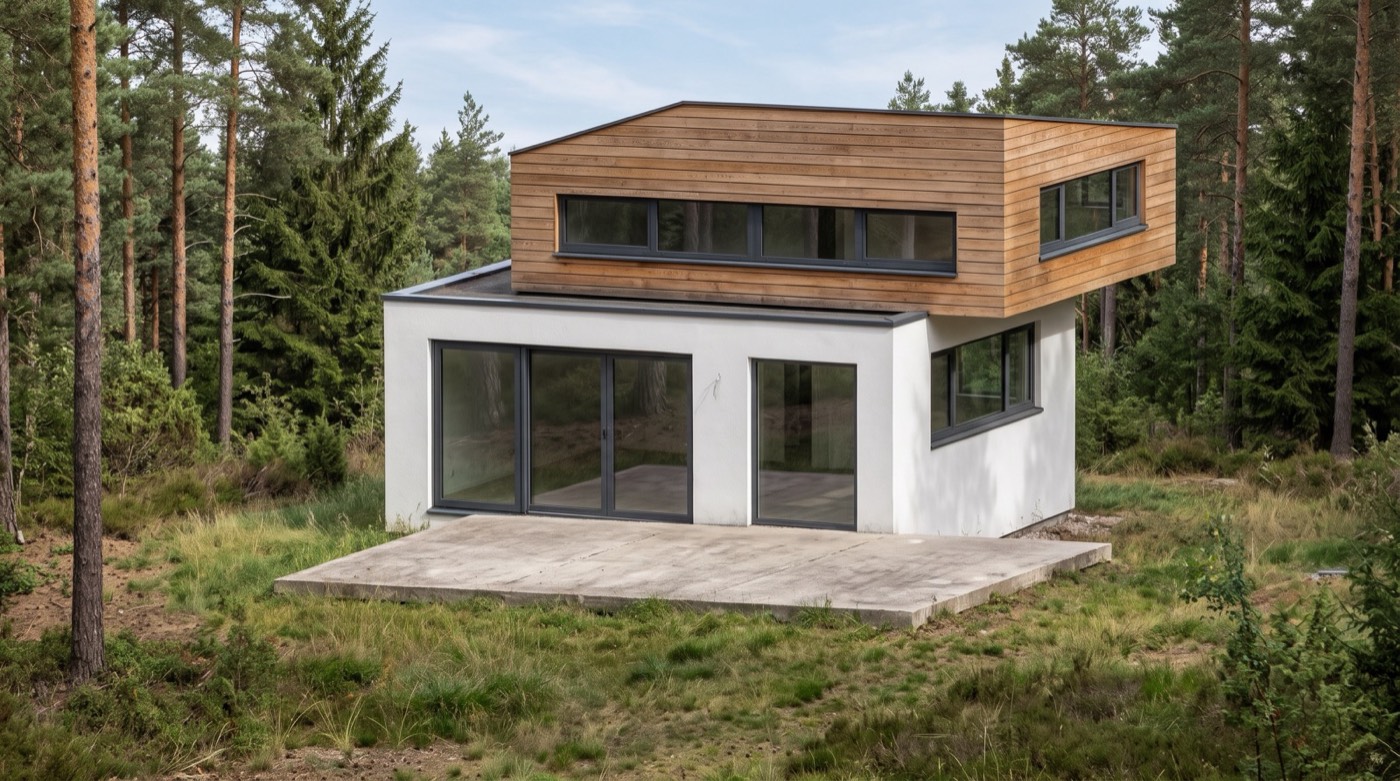
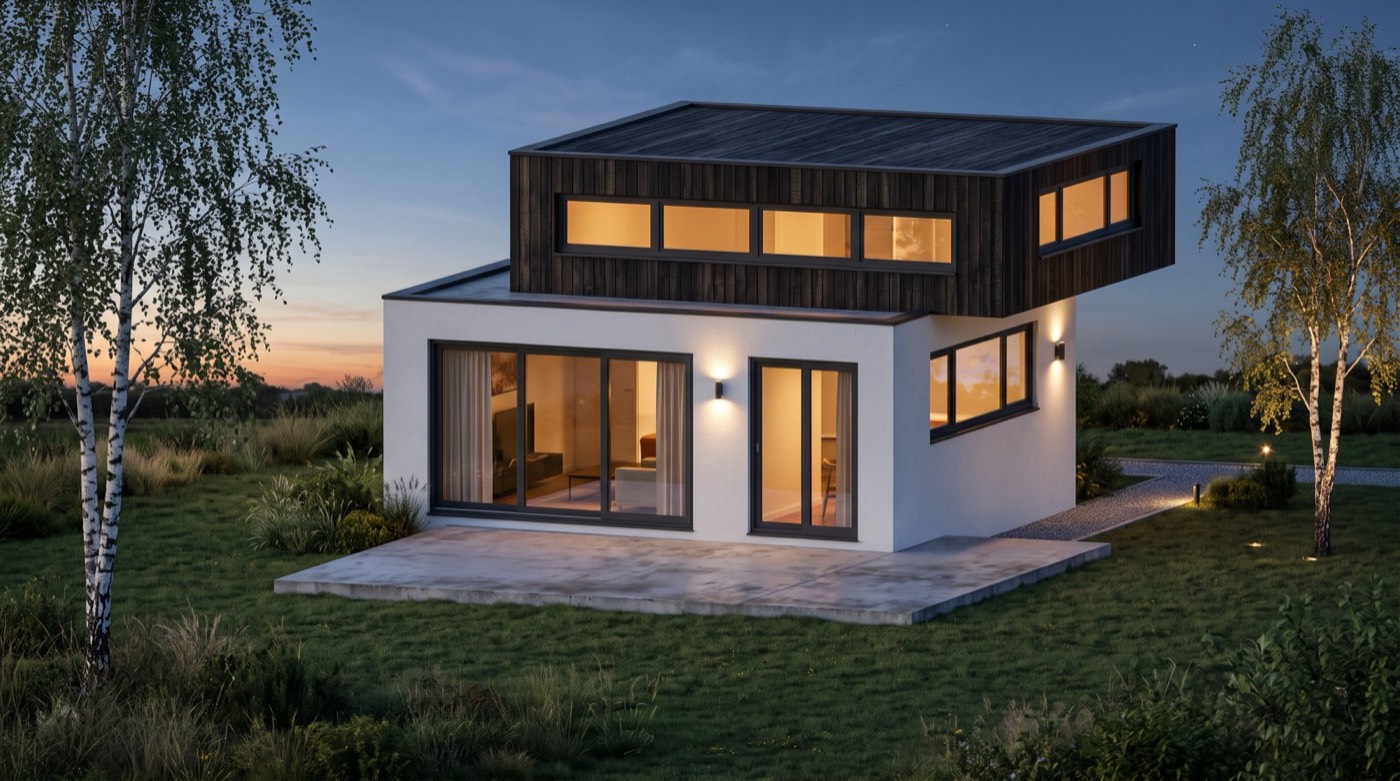
From a grey massing model to a render
Both renders were made from the view on the left with Nano Banana 2.1, through the same request the extension sends. Nothing was retouched.
Installed in a minute
1. Install
SketchUp: download the .rbz, then open Extensions › Extension Manager › Install Extension and pick the file.
Rhino 8: download the zip, unpack it, run RunPythonScript and pick GenMagicRender.py. It is also listed on food4Rhino, Rhino's own store.
2. Sign in
Choose Sign in with GenMagic: your browser opens, you approve, and the tool is connected. A new account is free and comes with starter credit. An API key works too.
3. Render
Frame the view, pick a style (a daylight exterior, an interior, a dusk exterior, a watercolor sketch or a concept mood image), add a line about materials or setting if you like, and render. Save the image, or add it to the model.
Furnishing photos of empty rooms instead? See virtual staging. Compare every model's price per image on image API pricing, and every place GenMagic works on the integrations page. Both tools are open source (MIT): SketchUp and Rhino.
About GenMagic Render
How do I install GenMagic Render in SketchUp?
Download the .rbz file, then in SketchUp open Extensions, Extension Manager, choose Install Extension and pick the file. GenMagic Render then sits under Extensions with a toolbar button. It works in SketchUp 2017 and later on Windows and Mac.
How do I use it in Rhino?
Download the zip and unpack it. In Rhino 8 run RunPythonScript and pick GenMagicRender.py, or make it an alias once under Options, Aliases. It renders the active viewport, saves the image next to your .3dm and can place it in the model as a picture frame.
Does it change my model?
No. It sends a picture of the current view, never the model file, and the render comes back as an image: in SketchUp you save it or add it to the model as an image; in Rhino it is saved and can be placed as a picture frame. Your geometry stays as it was.
What does a render cost?
The extension and the script are free. Each render is paid from one prepaid GenMagic balance at the model's price, shown before you render: the default model (Nano Banana 2.1) is listed at $0.06 an image, and a render also pays for reading your view as the reference, so it comes to a little more. A new account gets a one-time $0.50 starter balance, and there is no subscription.
Will the render keep my geometry?
Every style tells the model to keep the building's proportions, openings and the camera angle and to change only materials, light and context. Image models still interpret, so small details can move: render again, or try another model from the list, when one does.
Which models can I use?
Any of the 64 GenMagic image models that take a reference image, each with its price in the list. Nano Banana 2.1 is picked first; your choice is remembered for the next render.